

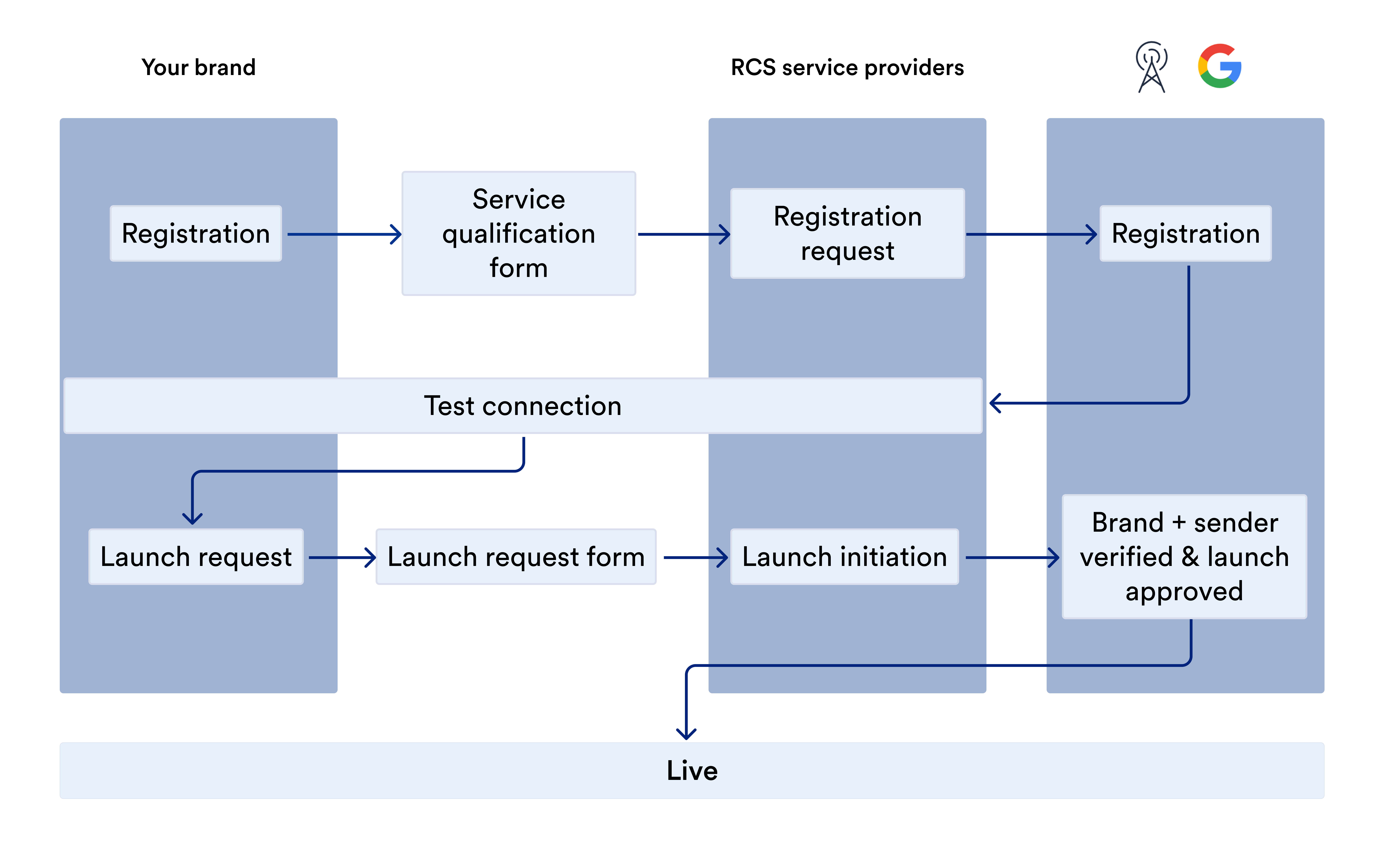
- Register with MoEngage using the onboarding form.
- Test the connection by sending RCS messages.
- Verify the launch using the launch request form.
Registration
The registration process starts with you providing the necessary information to MoEngage in the onboarding form, which your account manager can share with you:The information requested can differ depending on the carrier.
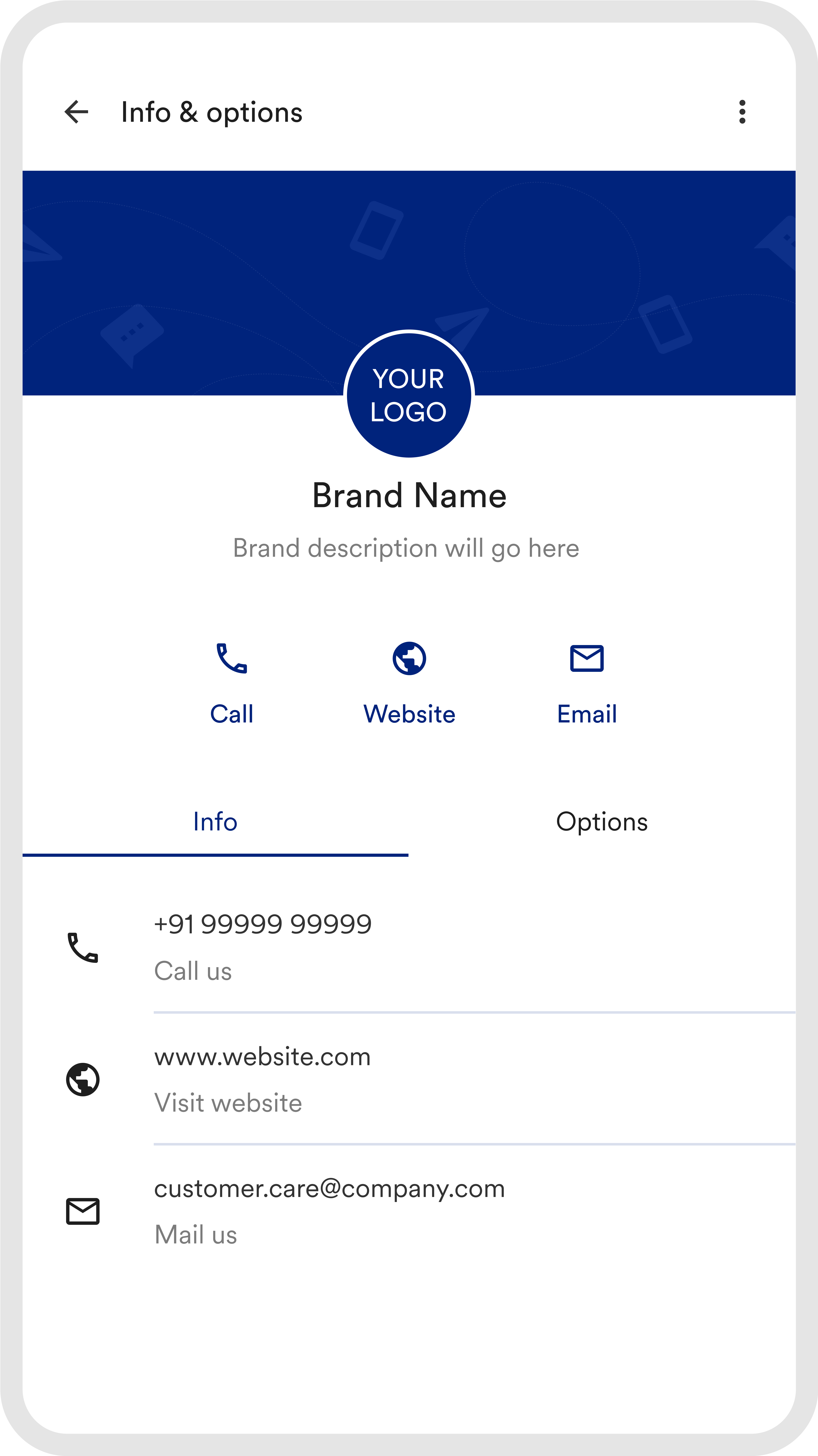
Your RCS service provider submits an official registration request to the RCS technology providers (such as MNOs). The registration process typically takes 2–3 business days. The RCS technology provider will notify you when your registration is successful. After that, you can test the connection.
Test the Connection
You can test the connection using the following ways:- Send text messages using your RCS service provider dashboard.
- Create an RCS campaign in MoEngage using the allowlisted test mobile phone number.
Verification and LaunchN
Provide the following information in the relevant launch request form, which your account manager will share with you:The information requested can differ depending on the carrier.
Your RCS service provider requests the mobile network operator (MNO) to verify the sender. Some MNOs require you to complete additional checks to use their services. Contact your RCS service provider account manager for more information.
After the launch is approved, you can send unlimited RCS messages and campaigns without additional testing or clearance. You do not need to invite the contacts as testers or safelist their numbers.